
Eve Futures
NQ order flow, explained by AI
The Sabel workspace for NQ and ES: footprint, volume memory, key areas and gamma, with Eve explaining what the market is doing while you trade.
Order flow shows you the activity. Eve helps you understand the context. Sabel puts NQ and ES order flow, market structure and an AI companion in one desk, so you can see where size is waiting, how price answers it, and what changed since the last time price was here. Eve does not shout signals. She explains, in plain words, what the chart is showing you.
What you seeon the chart.
Real screens from the Sabel workspace. Free shows the core; Pro and Elite add the full set.
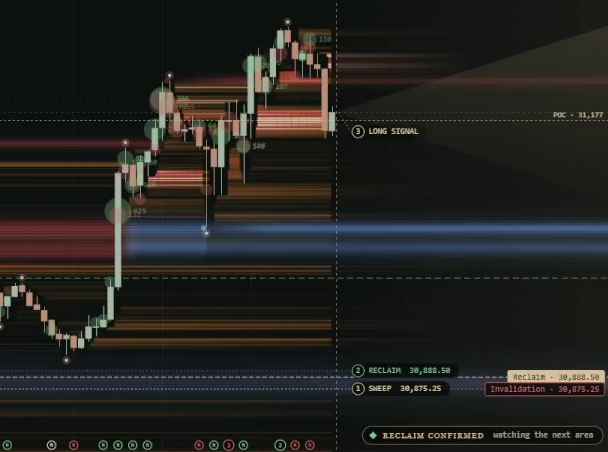
Where trading left its mark.
Volume Memory keeps traded activity visible as heat bands around price. When the market returns to an area, you can compare its earlier activity with the fresh flow arriving now.
Start with a visible band, then inspect the next visit using the footprint, the large-order bubbles and the price response. Earlier volume supplies context; it does not guarantee a reversal.
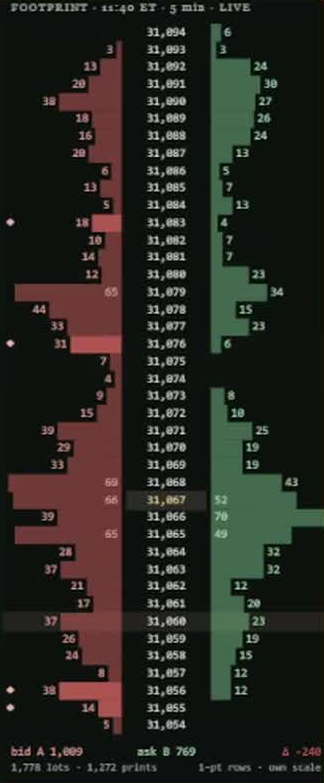
Inspect the level, not just the candle.
Bid volumes sit to the left of the price ladder and ask volumes to the right, with totals and delta in the footer, so the five-minute window stays readable.
Compare heavy prints with how far the candle actually moves. A large traded volume with a small price response asks a different question from volume that carries price through a level.

Key areas, with the test and the answer.
Key areas give your analysis a location: the approach, the test and the reaction. Eve marks where size has defended price before, adds sweep areas and stop hunts around them, and keeps the reclaim and invalidation levels in view.
Large-order bubbles show where bigger trades landed, so you can connect size with the candles around it.
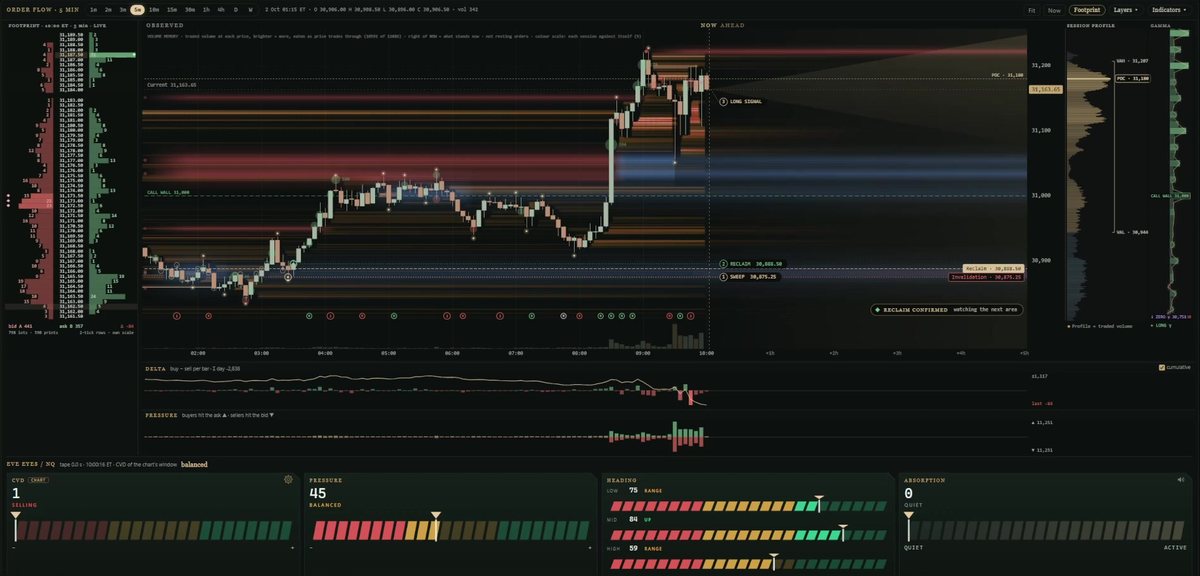
Session context beside the futures chart.
Session Profile shows where the day traded by price, with the point of control and value area. Gamma keeps options context beside the futures chart, and live news updates arrive next to your analysis instead of in another tab.
Live order flow.Read by Eve.
Four order flow gauges built from the real traded volume, updated on every bar: who is buying, who is selling, and who is absorbing.
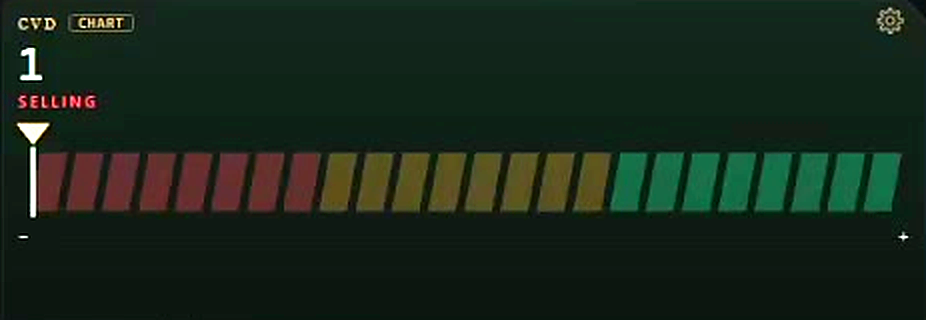
CVD
Cumulative buying and selling volume against the current candle, with the delta history behind it.
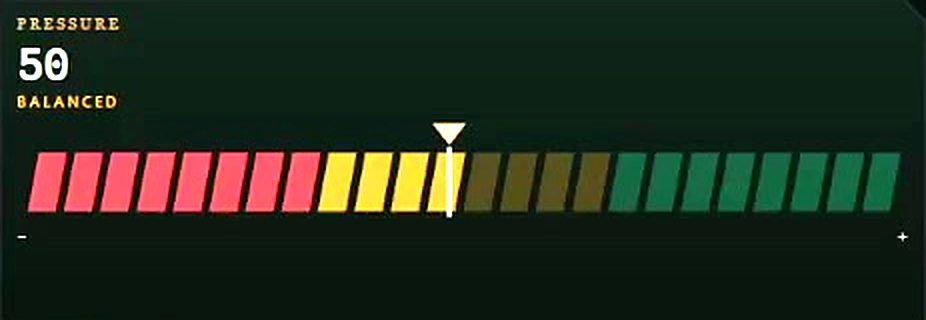
Pressure
The live balance of buying and selling volume right now, and how that pressure built up.
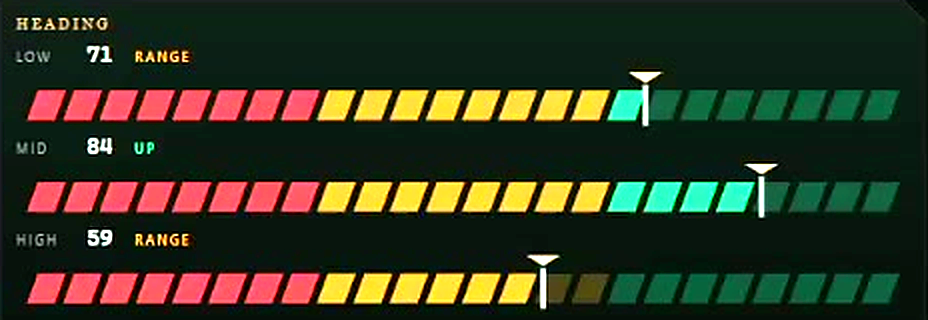
Heading
The direction of the order flow on three horizons at once, including when the market is only ranging.
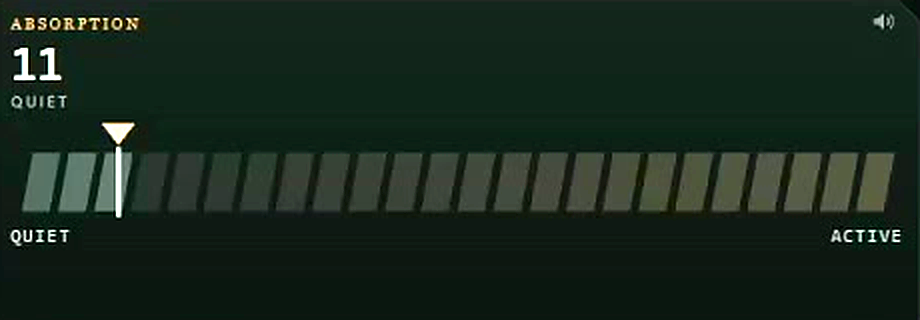
Absorption
Heavy volume trading while price struggles to move, read together with the footprint.
Eve at work.Recorded.
A recorded walkthrough of Eve's strategy collection on Elite, narrated by Eve.
Recorded platform walkthrough · 19 Oct 2026 · AI narration. Figures in the video are historical replay, not brokerage results. Library strategies follow their authors' published rules and are not tested or recommended by Sabel.
Eve beside youall session.
Prepare before the open, keep the reasoning while you trade, review it after.
Eve Brief
Arrive with the session context and the areas worth inspecting, before the bell.
Setups and annotations
Inspect the location, the supporting conditions and the invalidation, and keep your decision on the chart.
Decision replay and notes
Return to the moment, compare the idea with what price actually did, and keep Eve's explanation with it.
Eve Strategies · Elite
Sabel's own strategies beside familiar classics. Switch on the ones you want, and Eve announces their entries and exits as they happen.
Chooseyour plan.
Monthly prices in US dollars. Start free, or try Pro for 14 days.
Free
Get to know the Sabel view.
- NQ, delayed by 20 minutes
- Volume Memory and large-order bubbles
- Blue key areas
No card required.
Pro
Build your market-analysis routine.
- Real-time NQ and ES
- Footprint, gamma, session profile and value area
- Order flow gauges: CVD, Pressure, Heading, Absorption
- Sweep areas, Stop Hunt, Iceberg and live news
- Eve Brief, setups, replay and notes
14 days free, then $49 a month. Cancel any time.
Elite
Extend your workflow with Eve.
- Everything in Pro
- Eve Strategies: Sabel custom and the classics, announced by Eve
- Connect Eve or a strategy to NinjaTrader 8 and Topstep
- Custom API connections
$99 a month. No trial.
Questions.
- Is Eve a signal service?
- No. Eve explains the market: where size rests, how price answers it and what changed. You decide what to trade. Sabel does not give investment advice.
- What data do I get?
- Pro and Elite include real-time NQ and ES. The Free plan shows NQ with a 20-minute delay.
- Where does it run?
- In your browser at app.sabeldesk.com. Sign in on up to three computers.
- Can I cancel?
- Yes, any time, in your account or in PayPal. Cancel inside the 14-day Pro trial and nothing is charged.